

Augmented Reality in the Classroom: 7 Practical Ideas for Teachers
Augmented reality in the classroom is no longer a futuristic idea. It simply means placing digital 3D objects, labels or animations on top of the real world, seen through a phone, tablet or smart glasses. A heart beats on a student’s desk. A volcano erupts on the teacher’s table. A circuit lights up on a notebook page.
Most guides stop at “AR is engaging”. That is true, but it does not help a teacher plan Monday’s lesson. So this guide is different. We will look at why AR works, the one rule that decides whether it succeeds, and seven ideas you can actually use.
Why Augmented Reality in the Classroom Works
Some topics are hard because students cannot see them. Think of the inside of a cell, the shape of a molecule or the magnetic field around a wire. Teachers draw these on a flat board, and students try to imagine the third dimension. Many never manage it.
Augmented reality removes that guesswork. The object sits in the room at the right scale, and students can walk around it, zoom in and look from below. As a result, the mental picture forms in seconds instead of weeks.
There is also a social reason. Unlike a full VR headset, AR keeps students in the room. They can see each other, point, argue and laugh. In other words, AR keeps the class a class.
The Phone-First Rule
Here is the rule that matters most for augmented reality in the classroom. Start with the devices you already have. Many schools delay AR because they think it needs expensive headsets. It does not. Most AR lessons run on an ordinary Android phone or tablet. Google’s ARCore platform already supports a huge range of mid-price phones.
A practical setup looks like this:
- One device for every three students, not one each
- A teacher device connected to the projector
- Printed marker sheets or textbook pages that trigger the 3D models
- Wi-Fi only for the first download, so lessons work offline later
Groups of three work well. One student holds the device, one reads the task, and one records answers. They then swap roles every few minutes.
7 Practical Ideas for Augmented Reality in the Classroom
1. The beating heart on the desk (Biology)
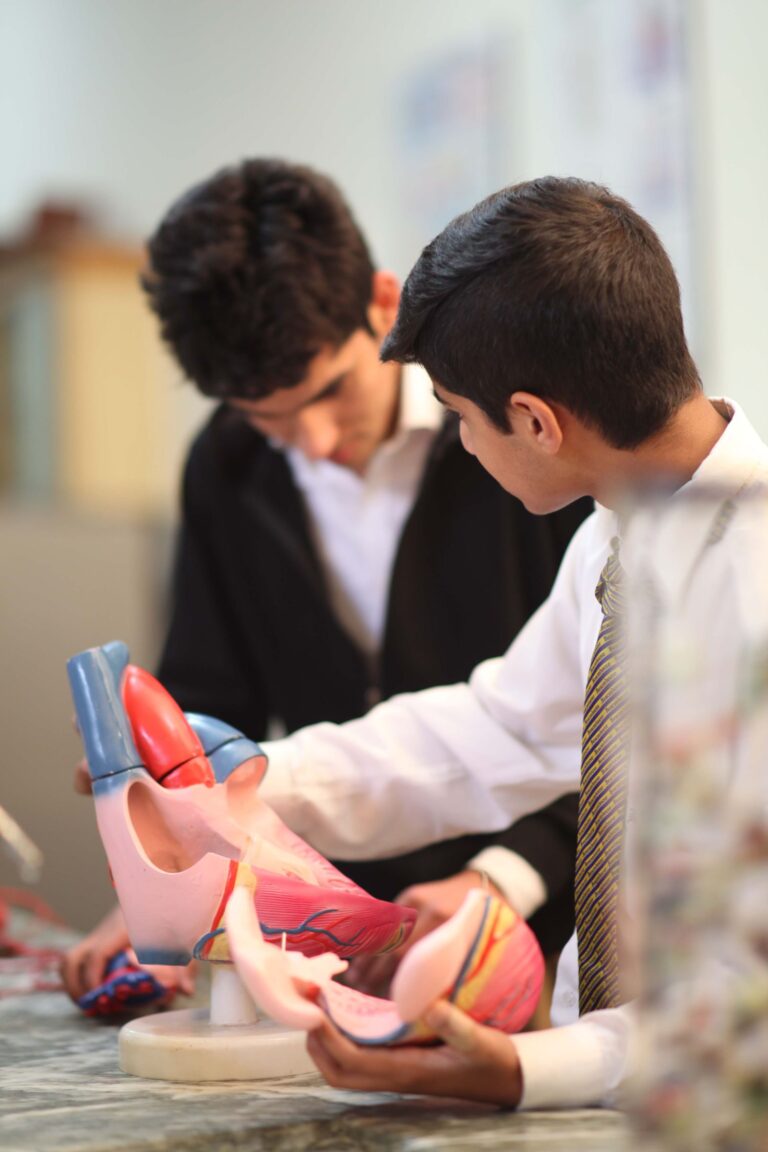
Project a 3D human heart onto each group’s desk. First, ask students to trace the path of blood with a finger. Then slow the heartbeat down and ask what each valve is doing. Finally, show a heart with a blocked artery and let them spot the difference.
2. Molecule building race (Chemistry)
Give each group a set of atoms in AR. Their task is to build water, methane and carbon dioxide and check the bond angles. Because the models rotate, students finally see why water is bent and carbon dioxide is straight.
3. Field lines you can walk around (Physics)
Place a virtual bar magnet on the table and show its field lines in 3D. Next, add a second magnet and let students predict what happens before they see it. Prediction before reveal is where real learning happens.
4. A solar system to scale (Geography and Science)
Most textbook diagrams show planets far too close and far too large. In AR, students can place the Sun at the classroom door and walk outward to find the planets. Many are shocked to learn how empty space really is.
5. Living history pages (History)
Point a tablet at a textbook picture of a monument and a 3D model appears. Students explore the structure, read short labels and answer three questions. Later, they explain one feature to the rest of the class.
6. Machines taken apart (Engineering and ITI)
Show a pump, gearbox or engine in AR and let students explode it into parts. They name each part and put it back together in the right order. This works especially well before a real workshop session.
7. Student-made AR posters (Any subject)
Finally, flip the roles. Students create a poster that triggers their own short AR model or video. Creating content forces deeper understanding than just viewing it.
The 10-Minute AR Routine
Augmented reality in the classroom fails when it becomes the whole lesson. Students get excited, the period ends, and nobody remembers the concept. Therefore, we suggest a simple 10-minute routine inside a normal 40-minute class.
- Ask (2 minutes): Pose one clear question, such as “Why does water have a bent shape?”
- Explore (5 minutes): Groups use AR to find the answer.
- Explain (3 minutes): One student from each group explains the answer without the device.
The last step is the important one. If a student can explain the idea after the screen goes dark, the learning has moved from the device into their head.
Common Mistakes to Avoid
- Using augmented reality in the classroom for decoration. If a 2D picture would teach the idea just as well, skip AR.
- Too many apps. Pick one or two good platforms and stay with them for a full term.
- No task. Students need a question to answer, not just a model to admire.
- Skipping the teacher demo. Always show the steps on the projector first.
- Ignoring weaker devices. Test every lesson on the slowest phone in the room.
How AR Fits the Wider XR Picture
Augmented reality in the classroom is one part of a bigger family called extended reality, or XR. VR places students fully inside a virtual world, while mixed reality lets digital objects react to the real room. For a full overview, read our guide on how XR learning works. You can also see 10 benefits and examples of extended reality in education and our comparison of extended reality vs virtual reality.
Frequently Asked Questions
Do students need AR glasses?
No. Most augmented reality in the classroom runs on regular phones and tablets. Glasses are useful later, but they are not needed to start.
Which subjects benefit most from AR?
Biology, chemistry, physics, geography and engineering benefit most, because they involve 3D structures or invisible processes.
Is AR safe for young children?
Yes, in short sessions. Keep each AR activity to a few minutes and make sure students stay seated or move in a clear space.
How much does it cost to start?
Very little if you use existing devices. Many AR content libraries offer free models, and paid platforms are usually priced per school.
Conclusion
Augmented reality in the classroom works when it answers a real question that students cannot see on a flat page. Start with the phones you have, use the 10-minute routine, and always end with students explaining the idea in their own words. To bring structured AR and XR lessons to your school or college, explore our Extended Reality Technology programme or contact the ARCS team.