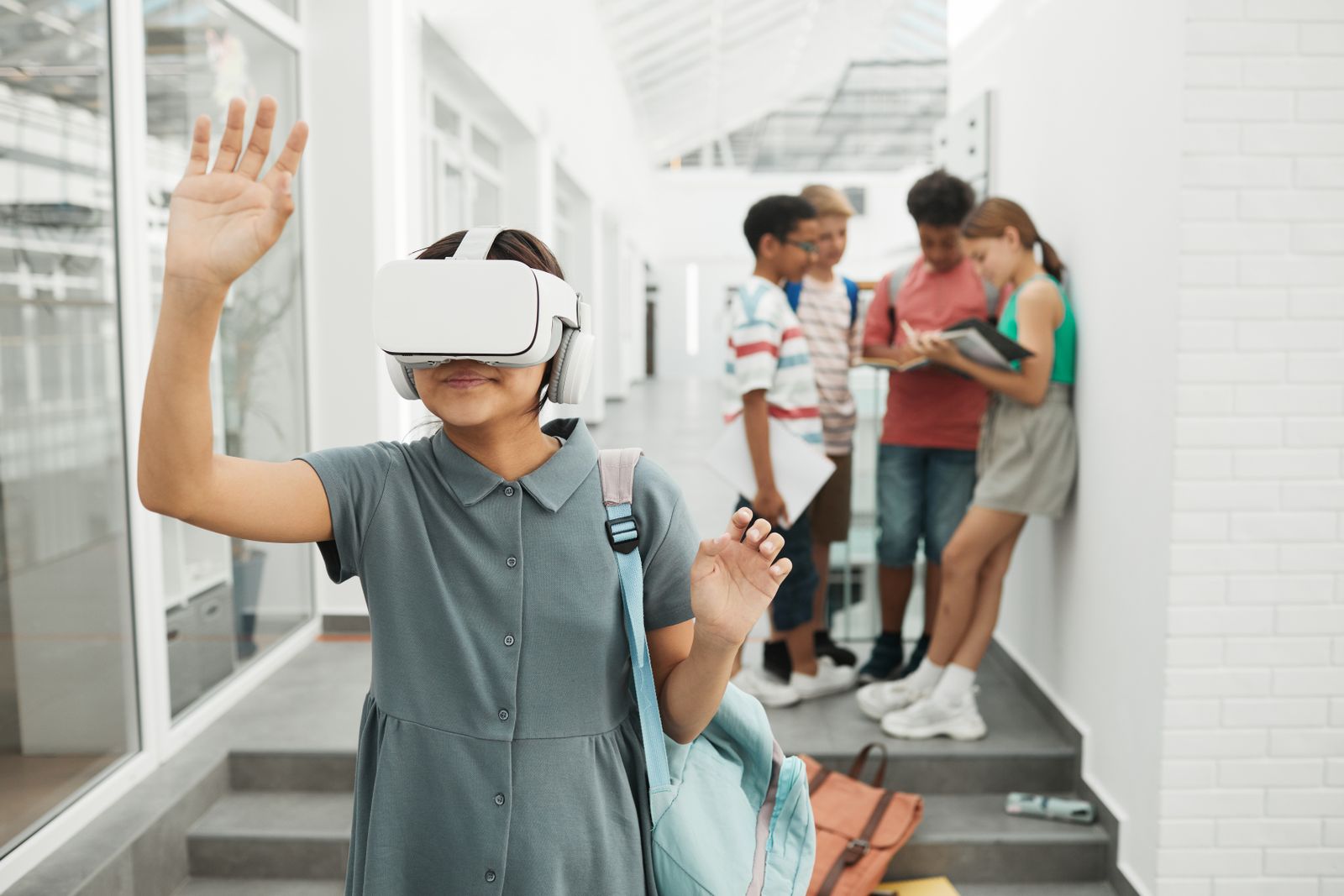
Extended Reality in Education: Benefits, Uses & Examples
Extended reality in education brings virtual reality, augmented reality and mixed reality into the classroom so students can experience a topic instead of only reading about it. It is one of the fastest growing areas of education technology, but it is also one of the most misunderstood. Many schools buy devices first and think about lessons later.
This guide takes the opposite route. We start with the four kinds of things XR can do in a lesson, then look at benefits for each group in a school, and finish with practical examples for every age group.
The Four Types of XR Use in a Lesson
Almost every use of extended reality in education falls into one of four types. Knowing the type helps a teacher choose the right tool and the right length of session.
1. Watch: see the invisible
Students observe something they normally cannot see, such as blood flow, atoms or the solar system. This is the simplest use and works well on tablets with augmented reality.
2. Visit: go where you cannot go
Students travel to places beyond a school trip: ancient cities, the deep ocean, a nuclear power plant or the surface of the moon. Virtual reality headsets give the strongest sense of being there.
3. Practice: rehearse real tasks
Students repeat a skill safely, such as wiring a panel, operating a machine or performing first aid. This is where XR saves the most money and reduces the most risk.
4. Create: build your own worlds
Older students design their own 3D scenes, models or AR filters. This turns them from users into makers and builds design and coding skills.
A simple rule: Watch and Visit suit younger learners, while Practice and Create matter more in higher classes and colleges.
Benefits of Extended Reality in Education
Benefits are often listed only for students. In reality, three groups gain in different ways.
For students
- Clearer understanding of 3D and hidden ideas.
- Stronger memory, because experiences are easier to recall than text.
- Safe mistakes during practice.
- Equal access to experiences that were once only for rich schools, such as museum and lab visits.
For teachers
- Less time explaining shapes and structures with hand drawn diagrams.
- Instant attention at the start of a topic.
- Visible thinking, because teachers can watch what students do in a scene and spot misunderstandings.
For schools and colleges
- Lower lab and travel costs for some activities.
- Safer training for risky vocational skills.
- A modern learning environment that supports the experiential goals of India’s National Education Policy 2020.
Uses and Examples of Extended Reality in Education by Age Group
| Learner group | Best use type | Example |
|---|---|---|
| Primary (6 to 10) | Watch | Pointing a tablet at a picture book to see a 3D animal walk on the page |
| Middle school (11 to 13) | Watch and Visit | Touring the inside of a plant cell or a historical fort |
| High school (14 to 17) | Visit and Practice | Running a virtual chemistry titration before the real lab |
| College | Practice and Create | Assembling an engine, or designing a 3D building and walking through it |
| Vocational and skill training | Practice | Welding, electrical safety or machine operation drills |
Example: anatomy without a dissection lab
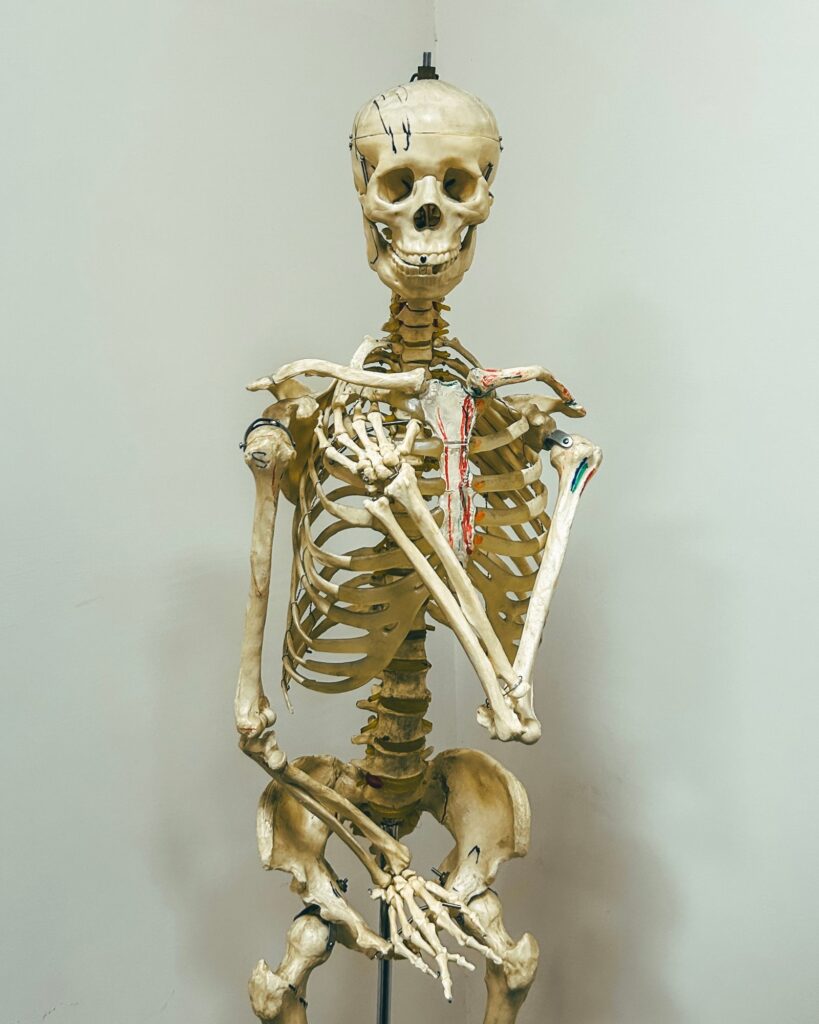
Biology students wear a headset and stand next to a life size human body. They remove layers one by one, from skin to muscle to organs, and watch the heart pump. Afterwards, the teacher asks them to draw the path of blood from memory.
Example: history you can walk through
A history class visits a reconstructed ancient market. Students notice the goods, the buildings and the crowd, then write a short diary entry as a trader from that time. The writing is richer because they “were” there.
Example: safety training for technicians
Electrical trainees practice isolating a high voltage panel in VR. A wrong step triggers a virtual fault, not a real injury. They repeat until the sequence is automatic.
What Most Guides Forget: The Teacher’s Role
Extended reality in education fails when the headset is treated like a television. It succeeds when the teacher sets a clear question before the session and leads a discussion after it. The device creates the experience. The teacher creates the learning. That is why at ARCS we train teachers alongside every rollout, as explained on our Pedagogy page.

Honest Limits of Extended Reality in Education
- Comfort: keep VR sessions short, about 10 to 20 minutes.
- Content gaps: not every syllabus topic has good XR content yet.
- Device sharing: plan rotations so every student gets hands-on time.
- Not for everything: reading, writing and many maths topics do not need XR.
A Simple Way to Choose the Right Device
Schools often ask which device to buy first. The use type answers the question for you.
- Watch works on phones and tablets the school may already own.
- Visit needs headsets, because the feeling of being somewhere depends on the full field of view.
- Practice needs headsets with hand tracking or controllers, so students can actually grip and move things.
- Create mostly needs good computers and free 3D tools, with a headset only for testing.
Thinking this way stops schools from buying expensive kit for tasks a tablet could handle. It also makes extended reality in education easier to budget, because each purchase is tied to a clear lesson goal. When the budget grows, the school simply moves up from Watch to Visit to Practice.
How to Start With Extended Reality in Education
- List the five topics students find hardest to picture.
- Match each to a use type: Watch, Visit, Practice or Create.
- Start with tablets for Watch, then add a few headsets for Visit and Practice.
- Train teachers on running short, focused sessions.
- Review after one term and expand what worked.
For a deeper look at how the learning loop works, read how XR learning works, or see the best uses of extended reality for immersive learning.
Frequently Asked Questions
What is extended reality in education?
It is the use of VR, AR and mixed reality to let students see, visit, practice and create inside a lesson.
Is extended reality in education expensive?
Starting with AR on existing tablets costs very little. Headsets can be added in small sets and shared.
Can XR help students with different learning needs?
Often yes. Visual and hands-on learners in particular benefit, and lessons can be repeated at each student’s own pace.
Conclusion
Extended reality in education works best when schools think in uses, not devices. Choose whether a topic needs Watch, Visit, Practice or Create, support teachers and keep sessions short and focused. Learn how ARCS can help on our Extended Reality Technology page.