Mixed Reality in Education: 6 Proven Ways It Helps Students Learn
Mixed reality in education is the point where the digital world and the real classroom stop being separate. A 3D engine does not just float in front of a student. It sits on the real table, hides behind the real chair, and reacts when the student reaches out to turn it. That small difference changes how students learn.
Many people use AR, VR and MR as if they mean the same thing. They do not. In this guide we explain mixed reality in plain words, show six proven ways it helps students, and give you a simple test to decide when MR is worth it and when it is not.
What Is Mixed Reality in Education?
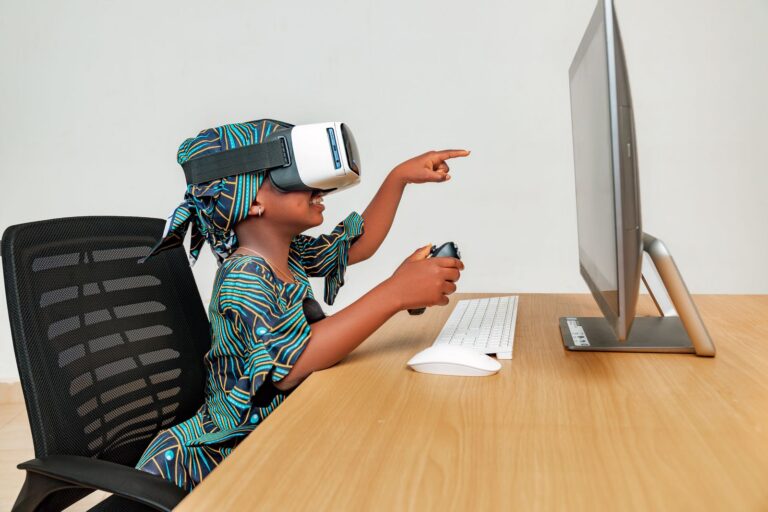
Mixed reality blends real and virtual objects so they can interact. A headset scans the room, understands its surfaces, and places digital objects as if they were physically there. Students use their hands, voice or eyes to control them.
Here is a quick way to tell the three apart:
| Technology | What the student sees | How they interact |
|---|---|---|
| Augmented reality (AR) | Digital layer on top of the real world | Mostly by tapping a phone screen |
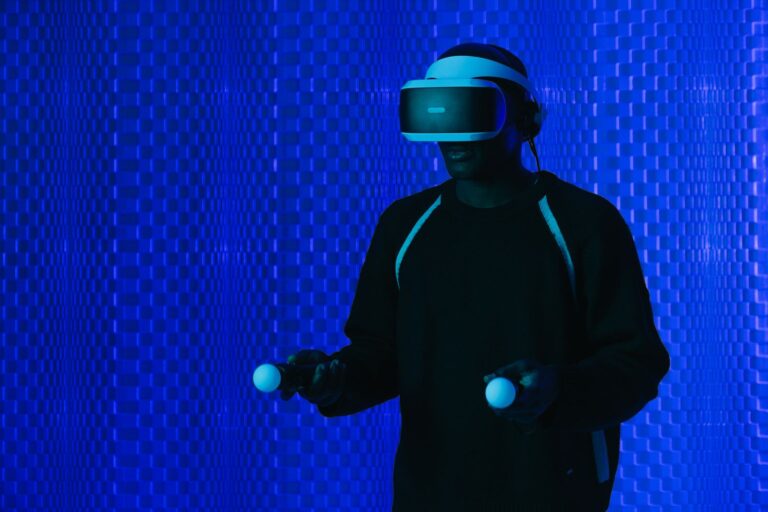
| Virtual reality (VR) | A fully virtual world | Controllers, inside the virtual space |
| Mixed reality (MR) | Digital objects anchored in the real room | Hands, gestures and voice, in the real space |
Microsoft’s own mixed reality overview describes MR as a spectrum between the physical and digital worlds. In short, mixed reality in education gives students the realism of VR without taking them out of the classroom.
6 Proven Ways Mixed Reality Helps Students Learn
1. Learning with the hands, not just the eyes
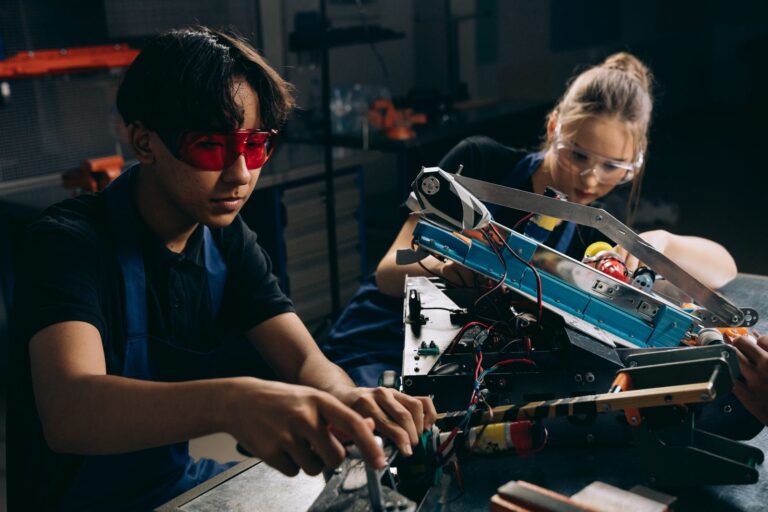
With mixed reality in education, students can pick up a virtual gear, turn it, and fit it into a virtual gearbox. This hands-on action builds stronger memory than watching a video. Moreover, it suits learners who struggle with long reading tasks.
2. Real scale in a real room
A life-size engine or a full human skeleton can stand in the corner of the classroom. Students walk around it and compare its size with themselves. Scale is hard to feel on a screen, but it is obvious in mixed reality.
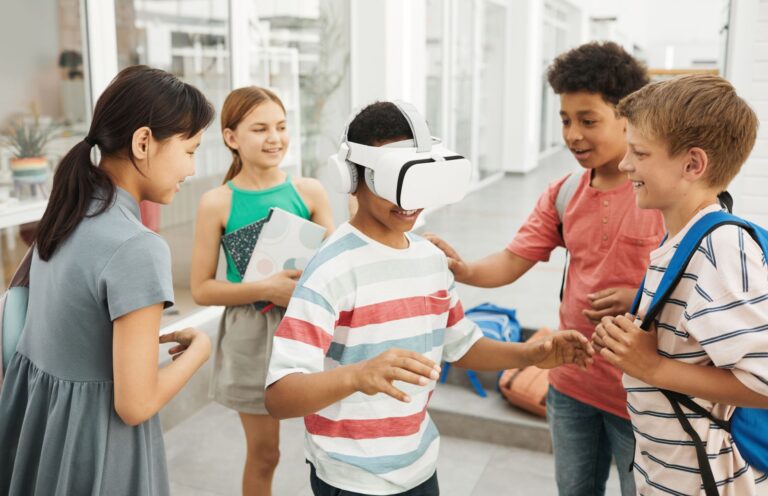
3. Teamwork around one shared model
In a shared session, every student sees the same model in the same place. One student points at a valve, and everyone sees where they are pointing. As a result, group discussion becomes far more precise.
4. Step-by-step guidance on real equipment
Mixed reality can place arrows and labels on real machines. A trainee looks at a real panel and sees “Turn this switch first”. This is why industry already uses MR for maintenance training, and colleges are following.
5. Safe practice for risky tasks
Mixed reality in education lets students practise wiring a high-voltage panel or handling a chemical spill with virtual hazards placed in a real room. Mistakes cost nothing, yet the setting feels real enough to build good habits.
6. Teachers stay in control
Unlike full VR, the teacher can still see every student’s face and body language. Students can also see the teacher. Therefore, classroom management stays normal, which matters a lot with younger learners.
The 3-Question Test: Do You Really Need MR?
Mixed reality in education is powerful, but it is not always the best choice. Before you invest, ask three questions about each lesson.
- Does the lesson need the real room? If students must relate the model to real objects, desks or equipment, MR fits. If not, AR on a tablet may be enough.
- Do students need to use their hands? If the learning is about assembling, operating or repairing, MR is strong. If the learning is about looking and understanding, AR works fine.
- Does the class need to stay together? If discussion and teamwork are central, MR or AR beats full VR. If total focus on a remote place matters more, choose VR.
If you answer yes to all three, mixed reality is the right tool. If you answer yes to only one, a simpler option will usually do the job at a lower cost. Our guide to augmented reality in the classroom covers the phone-based route in detail.
Where Mixed Reality Fits Best by Subject
- Mechanical and automobile engineering: assembling engines, gearboxes and pumps
- Electrical engineering: tracing circuits on real panels with virtual guides
- Medicine and nursing: life-size anatomy that students can walk around
- Architecture and civil engineering: placing building models on a real site plan
- School science: solar systems, molecules and cells anchored on the desk
Honest Limits of Mixed Reality
It is important to be honest about mixed reality in education. MR headsets still cost more than phones or basic VR headsets. Battery life is often two to three hours. Some students feel tired after long sessions, so sessions should stay short. Finally, good MR content is still limited in many subjects, which is why a content partner matters.
The idea of spatial computing is growing quickly, and prices are falling every year. Even so, we suggest starting with one MR station in a lab rather than a full class set.
How MR Connects With AI and Digital Twins
Mixed reality becomes even more useful when it is linked to other tools. AI can act as a tutor that explains what the student is looking at. Digital twins can feed live data into the MR model, so a virtual machine behaves exactly like the real one. To learn more, read how AI and extended reality are changing education. Together, these tools make mixed reality in education feel less like a gadget and more like a real lab partner.
Frequently Asked Questions
Is mixed reality the same as augmented reality?
No. AR adds a digital layer, usually on a phone. Mixed reality anchors digital objects in the real room so students can interact with them using their hands.
What age group is mixed reality suitable for?
Most headset makers recommend ages 13 and above. For younger students, tablet-based AR is a safer start.
Can mixed reality in education work without internet?
Yes. Many MR apps run fully on the headset once installed. Internet is mainly needed for shared sessions and updates.
Conclusion
Mixed reality in education is most valuable when students need to use their hands, relate a model to the real world, and work as a team. Use the 3-question test to choose wisely, start with one MR station, and build from there. To plan an MR and XR setup for your institution, explore our Immersive Learning programme, see our Extended Reality Technology page, or talk to the ARCS team.