12 Immersive Learning Examples for Schools, Colleges and Training
Immersive learning examples are real classroom and training activities where students step inside a realistic experience instead of only reading or listening. This can be a virtual reality field trip, an augmented reality model on a desk, a simulator, or a digital twin of a machine. The learner acts, sees the result, and learns from it.
Many teachers like the idea of immersive learning but are not sure what it looks like in practice. In this guide we share 12 practical immersive learning examples for schools, colleges and skill training. For each one we explain what students do and why it helps. You can use these ideas to plan your first sessions, even with a small budget.
What Makes a Learning Activity Immersive?
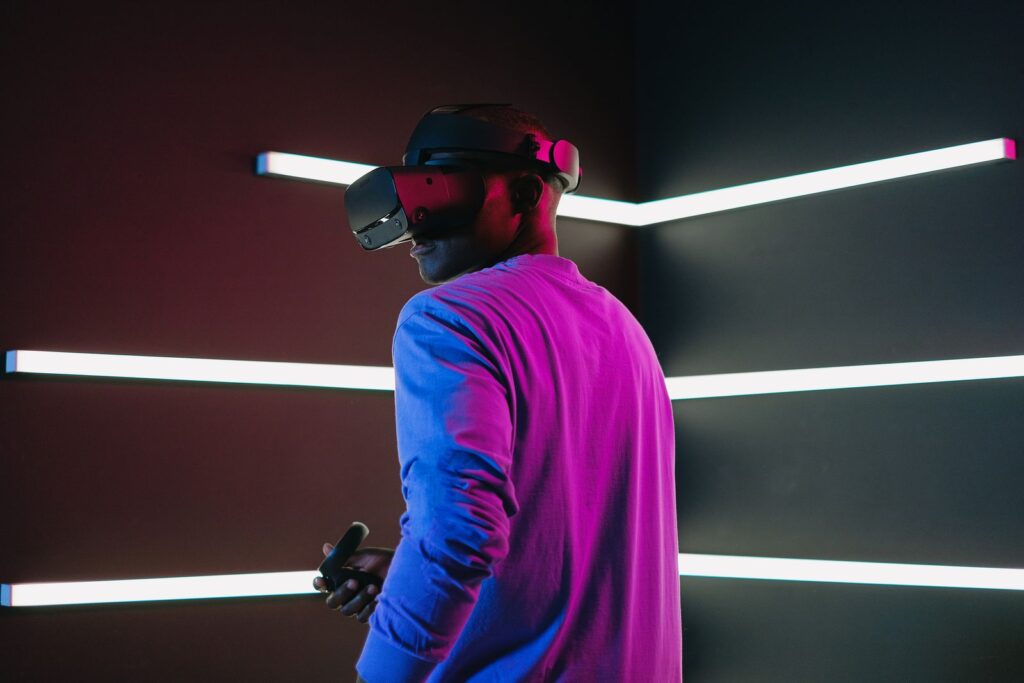
An activity is immersive when the learner feels present in the situation. Three things usually make this happen. First, the learner can look around or move inside the experience. Second, the learner can act, for example by picking up a tool or choosing an answer. Third, the experience reacts to those actions. Researchers call this feeling of presence immersion).
Not every immersive activity needs a headset. A well-designed simulation on a laptop or a role-play in class can also be immersive. Headsets simply make the feeling stronger.
Immersive Learning Examples for Schools
1. Virtual field trips
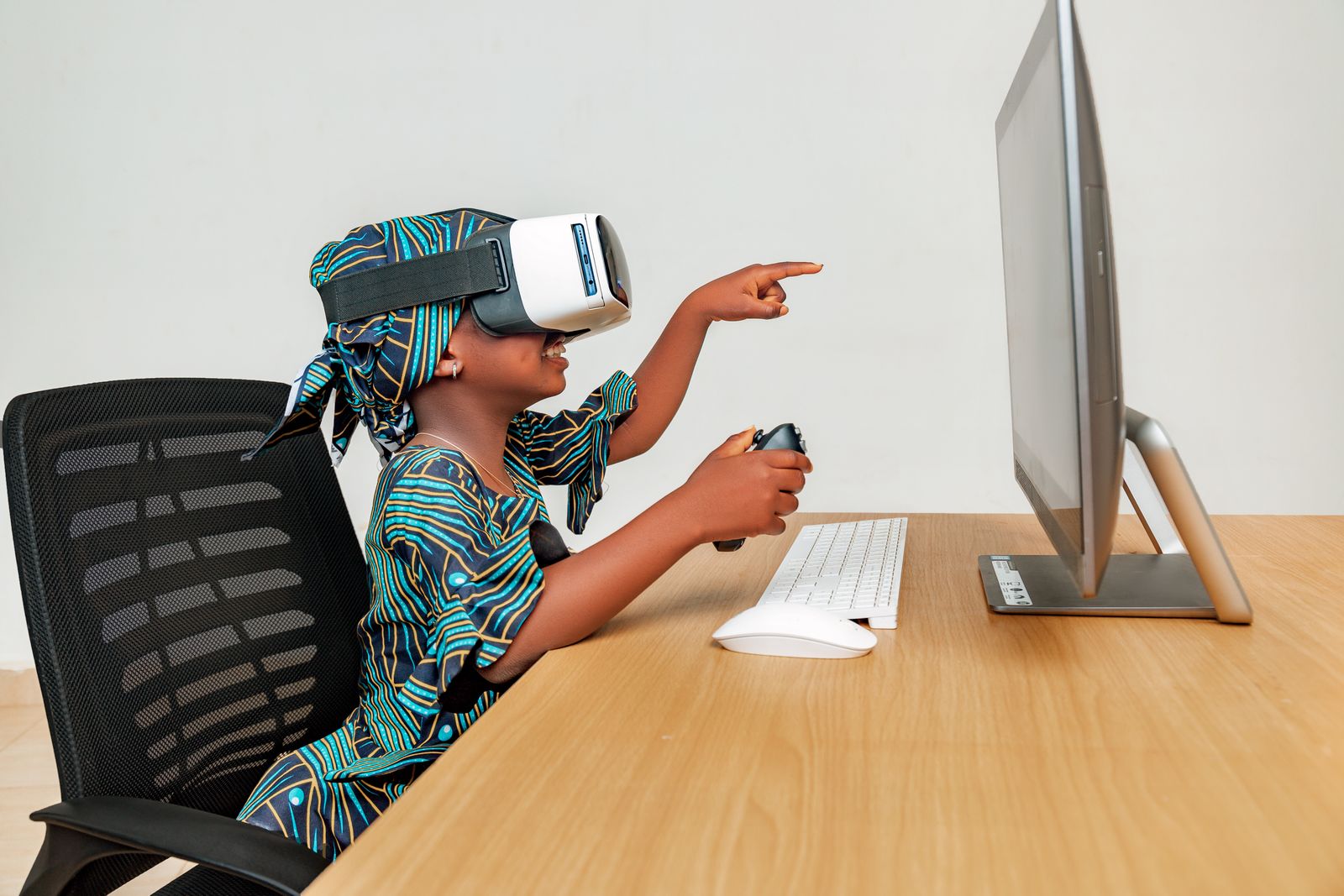
Students visit a coral reef, a historical monument or the surface of Mars through a VR headset or a 360-degree video. A virtual field trip is useful when a real trip is too costly, too far or not safe.
2. 3D models of the human body
With augmented reality on a tablet, students place a beating heart or a skeleton on their desk. They can rotate it, zoom in and label parts. Biology becomes something they explore, not only something they memorise.
3. Walking through history
Students stand inside a recreated ancient city or a freedom movement event. They listen, look around and then write about what they saw. This builds empathy and makes history easier to remember.
4. Space and solar system tours
Students fly between planets to compare their size and distance. Hard ideas like scale become clear in a few minutes.
Immersive Learning Examples for Colleges
5. Virtual science labs
Students run chemistry or physics experiments in a safe virtual lab. They can repeat a test many times, make mistakes without danger and then move to the real lab with more confidence. Our article on digital twin virtual labs explains this in detail.
6. Engineering machines you can open
Students open a virtual engine, pump or motor and see how each part moves. They can take it apart and put it back together, which is hard to do with real equipment in a busy lab.
7. Digital twins of real systems
A digital twin is a virtual copy of a real machine or space that updates with data. Students change a setting and watch what happens, such as how a motor behaves when the load increases. This links theory to real data.
8. Medical and nursing practice
Students practise patient checks and procedures in VR before they work with real patients. We cover this in our guide to virtual reality in medical education.
Immersive Learning Examples for Skill Training
9. Safety drills
Trainees practise what to do during a fire, a gas leak or a machine fault. They can face these situations in VR without any real risk.
10. Simulators for driving and flying
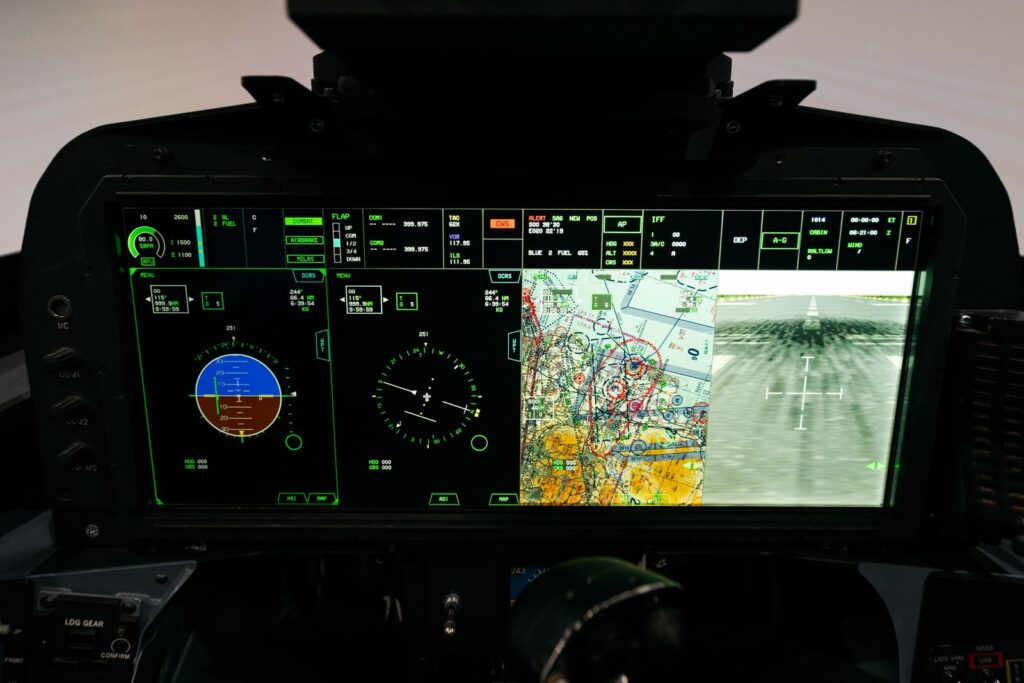
The flight simulator is one of the oldest forms of immersive training. The same idea now works for driving, crane operation and other heavy equipment.
11. Step-by-step AR guidance
A trainee looks at a real machine through a tablet or AR glasses and sees arrows and instructions on top of it. This helps beginners follow each step in the correct order.
12. Customer and workplace role-plays
Trainees talk to a virtual customer or handle a difficult conversation. They can try different answers and see how the situation changes. This builds soft skills along with technical ones.
Quick Comparison of the 12 Examples
| Example | Best for | Equipment needed |
|---|---|---|
| Virtual field trips | Schools | VR headset or 360 video on a screen |
| 3D body models | Schools | Tablet or phone with AR |
| History walk-throughs | Schools | VR headset |
| Space tours | Schools | VR headset or laptop |
| Virtual science labs | Colleges | Laptop or VR headset |
| Engineering machines | Colleges | VR headset or laptop |
| Digital twins | Colleges and industry | Laptop plus live or sample data |
| Medical practice | Colleges | VR headset |
| Safety drills | Skill training | VR headset |
| Simulators | Skill training | Simulator set-up or VR |
| AR guidance | Skill training | Tablet or AR glasses |
| Role-plays | Skill training | VR headset or laptop |
How to Choose Your First Example
Start small. Pick one topic that students find hard, such as electric circuits or the heart. Then follow these steps:
- Write one clear learning goal for the session.
- Choose the simplest tool that meets the goal, such as a tablet before a headset.
- Plan a short briefing before the activity and a discussion after it.
- Ask students to explain or apply what they learned.
- Compare results with a class that learned the usual way.
This keeps the focus on learning, not on the device. For more ideas on measuring results, see our guide to XR learning outcomes.
Common Mistakes to Avoid
- Using immersion for every lesson. It works best for topics that are hard to see, costly or unsafe.
- Skipping the discussion. Students learn most when they reflect after the experience.
- Long sessions in headsets. Keep VR sessions short, around 10 to 20 minutes, with breaks.
- No link to the syllabus. Every activity should connect to a topic students are tested on.
Frequently Asked Questions
What is a simple example of immersive learning?
A virtual field trip is the simplest example. Students explore a place through a VR headset or 360-degree video and then discuss what they saw.
Do immersive learning examples always need VR headsets?
No. Many examples work with tablets, phones or laptops. Headsets add a stronger feeling of presence, but they are not always required.
Which subjects benefit most from immersive learning?
Science, engineering, medicine, history and geography benefit a lot, because they include things that are hard to see or visit. Skill training for safety and machines also benefits strongly.
Conclusion
These immersive learning examples show that immersion is not one single tool. It is a way of letting students step inside a topic, act and learn from what happens. Start with one example, link it to your syllabus and measure the results. To learn more about how ARCS uses XR and digital twins in education, visit our Immersive Learning page or contact the ARCS team.