

How to Set Up an XR Lab for Colleges: 8 Simple Steps
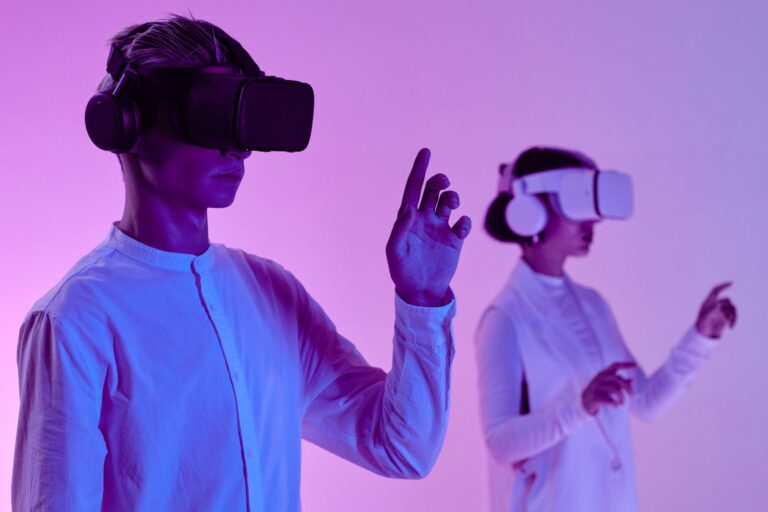
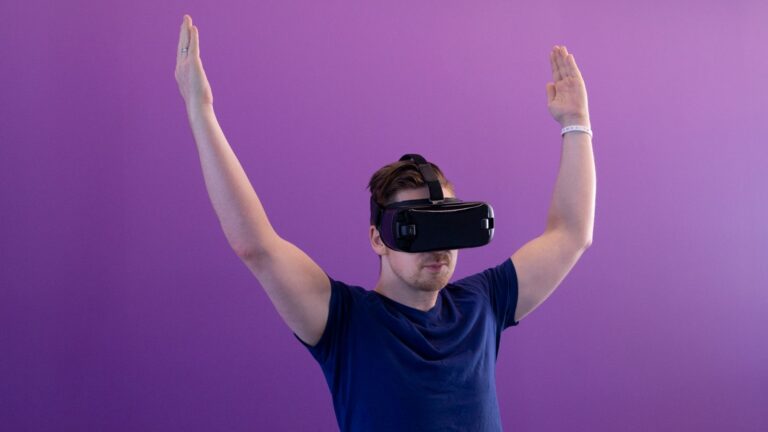
An XR lab for colleges is a dedicated space where students learn through virtual reality, augmented reality and mixed reality. Done well, it becomes the busiest room on campus. Done badly, it becomes a locked room full of expensive headsets that nobody uses.
The difference is rarely the hardware. It is the planning. In this guide, we share eight simple steps to set up an XR lab that students and teachers actually use, along with the mistakes we see most often.
Why Many XR Labs Fail
Before the steps, it helps to know the traps. Most failed labs share the same story. The college buys headsets first, then looks for content. Teachers are not trained, so they avoid the lab. Nobody owns the timetable, so the room sits empty. Within a year, the devices need updates nobody has time for.
The good news is that every one of these problems is easy to avoid when you plan an XR lab for colleges in the right order. The eight steps below put them in the right order.
8 Steps to Set Up an XR Lab for Colleges
Step 1: Start with the syllabus, not the headset
List the topics in each department that students find hardest to visualise or practise. Engines, circuits, anatomy, molecules, building structures and safety drills usually top the list. Your XR lab for colleges should be built around these topics. If a topic can be taught just as well on a whiteboard, it does not need XR.
Step 2: Choose the right mix of devices
Not every lesson needs a VR headset. A balanced lab usually has three types of device:
| Device | Best for | Typical share of lab |
|---|---|---|
| Standalone VR headsets | Full immersion, safety drills, virtual field visits | 50 to 60 percent |
| Tablets for AR | Quick 3D models, group work, younger batches | 25 to 35 percent |
| Mixed reality headset | Hands-on assembly and real equipment guidance | 1 or 2 units |
Standalone VR headsets need no cables or gaming PC, which keeps setup simple and costs lower.
Step 3: Plan the room layout
Each VR station needs a clear floor area of about two metres by two metres. Keep stations away from walls, pillars and windows. Add a teacher screen that can mirror any headset, so the whole class can see what one student sees. Good lighting and ventilation matter too, because headsets get warm.

Step 4: Sort out content before launch day
Content is the heart of an XR lab for colleges. Choose a platform with ready-made modules for your subjects, plus the option to add custom content later. Check that each module has a clear learning goal, a short task and a way to record results. Avoid apps that are only fun demos.
Step 5: Set up device management
With 20 or 30 headsets, updating them one by one is painful. Use a device management tool that pushes apps, updates and settings to all devices at once. It should also lock devices into approved apps during class.
Step 6: Plan charging, hygiene and storage
A charging cabinet with numbered slots saves a lot of time. Use washable face covers and wipe headsets between users. Store devices away from direct sunlight, which can damage the lenses. These small details decide whether the lab runs smoothly.
Step 7: Train the faculty first
Teachers are the real users of the lab. Run a hands-on workshop before students arrive. Each teacher should run at least two practice sessions on their own. In addition, appoint one lab coordinator who owns the timetable, the devices and the content requests.
Step 8: Measure and improve every semester
Track how many hours the lab is used, which modules are popular, and how student scores change in the matching topics. Share these results with management. A well-used XR lab for colleges is the best argument for expanding it.
Keeping Students Comfortable in an XR Lab for Colleges
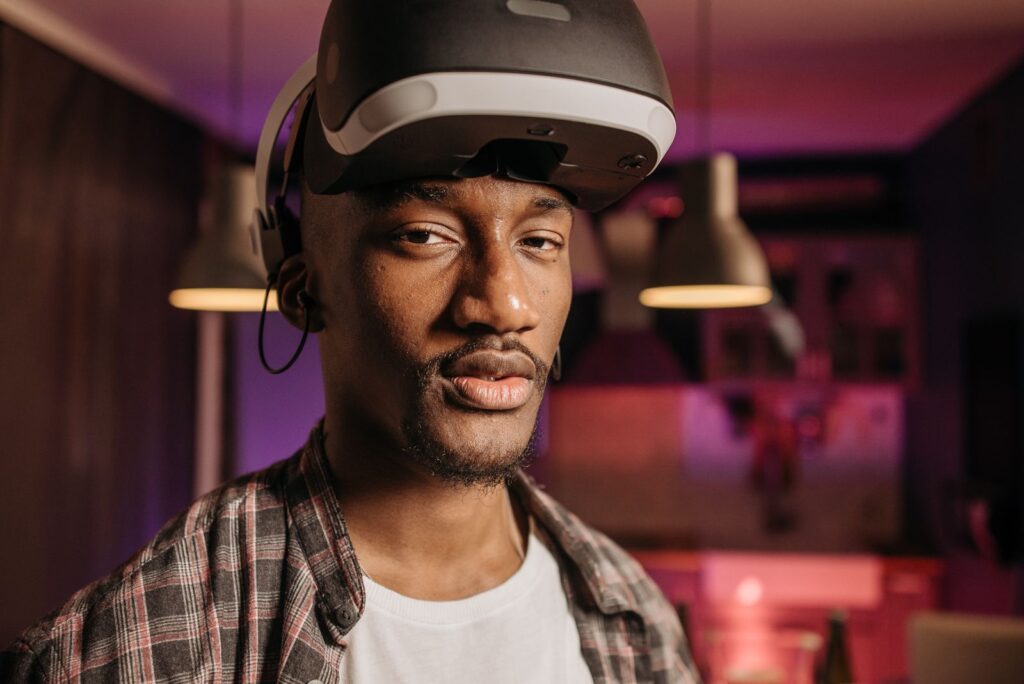
Some students feel dizzy in VR, a condition known as virtual reality sickness. It is easy to manage with a few rules:
- Keep sessions to 15 to 20 minutes for beginners
- Prefer content where students stand still or teleport, rather than glide
- Let any student take off the headset at any time, without fuss
- Offer the same task on a tablet for students who cannot use VR
A Sample Weekly Timetable
An XR lab for colleges works best when every department has fixed slots. For example, mechanical engineering might use the lab on Monday mornings, electrical on Tuesday, and civil on Wednesday. Thursday can be open for projects, and Friday for faculty content development. As a result, nobody has to fight for time, and the lab never sits empty. Publish the timetable on the notice board and the college website, so students know when they can book extra practice. Many colleges also open the lab for one evening slot each week, which quickly becomes popular with final-year project teams.
How the Lab Connects to Skills and Placements
The best XR labs do not stop at concepts. They build job skills too. Our guide to XR skill training explains the five-step skill ladder you can run inside the lab. For assembly-heavy subjects, see when mixed reality in education is worth the extra cost. And for science and engineering topics, read how extended reality is transforming STEM education.
Frequently Asked Questions
How many headsets does a college XR lab need?
A good start is one headset for every two students in a typical lab batch. For a batch of 30, that means about 15 VR stations plus a few tablets.
Do we need high-end gaming computers?
No. Modern standalone headsets run most educational content on their own. A few PCs are useful for content creation and assessment.
Who should manage the XR lab?
Appoint one lab coordinator from the faculty, supported by a technical assistant. Clear ownership is the single biggest factor in lab success.
Can schools use the same plan?
Yes, with shorter sessions, more tablets and fewer headsets for younger students.
Conclusion
A successful XR lab for colleges starts with the syllabus, balances its devices, trains teachers first and measures results every semester. Follow these eight steps and your lab will become a busy, valued space rather than a locked room. To design a complete XR lab with ready content for your institution, explore our Extended Reality Technology offering or contact the ARCS team.