What Is Extended Reality in Education? How XR Learning Works
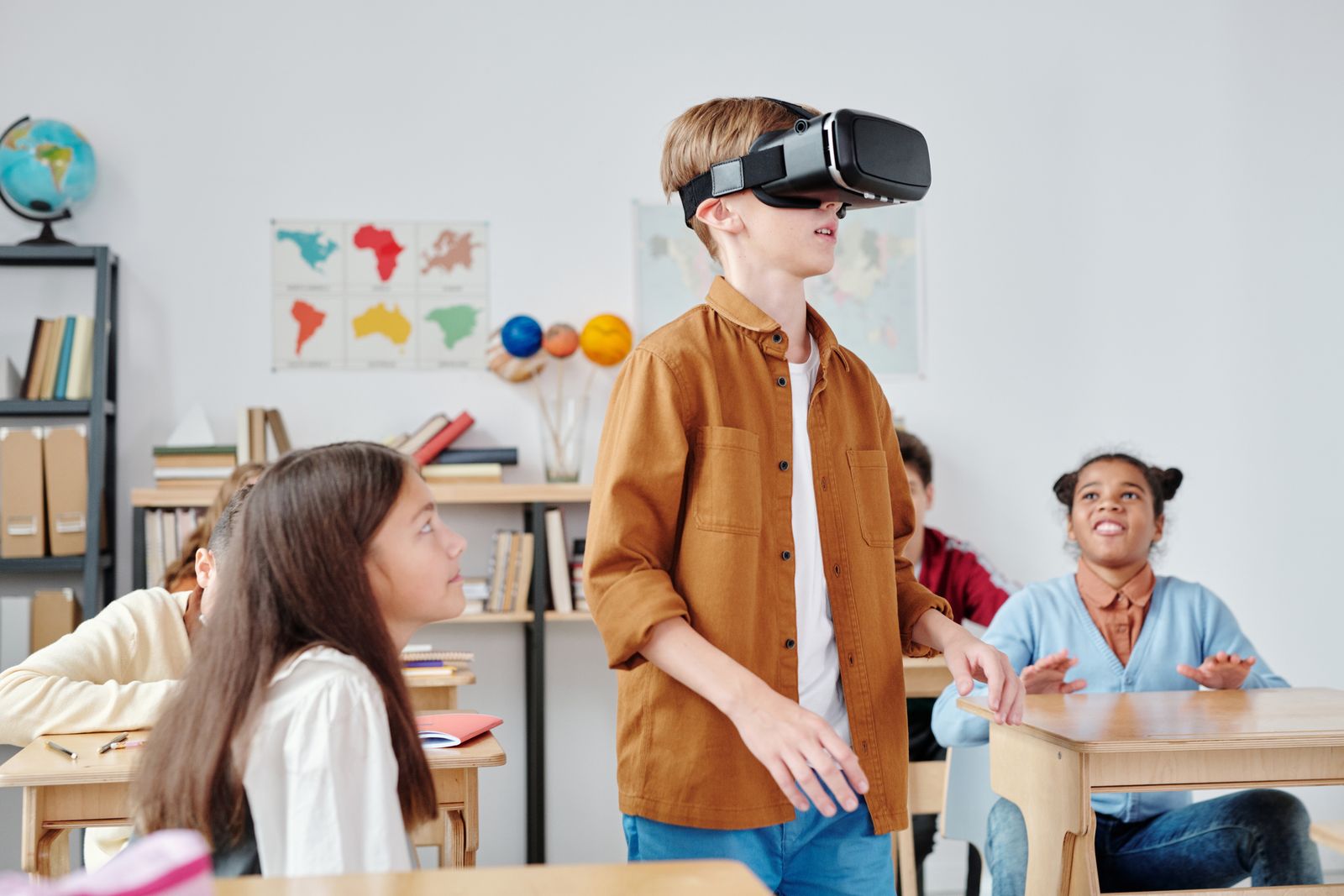
XR learning is a way of teaching where students step inside a lesson instead of only reading about it. XR stands for extended reality. It is the umbrella name for virtual reality, augmented reality and mixed reality. When a student can walk around a beating heart, hold a molecule in their hand or stand inside a working engine, the topic stops being words on a page and becomes something they have actually seen and done.
Most articles stop at that definition. In this guide we go one step further and explain how XR learning actually works inside a student’s mind and inside a real classroom, so teachers and parents can judge it with clear eyes.
What Extended Reality Means in Simple Words
Think of reality as a slider. At one end is the real classroom you can touch. At the other end is a fully digital world. Researchers call this the reality and virtuality continuum. Extended reality covers everything along that slider.
- Augmented reality (AR) adds digital objects on top of the real world. A phone camera shows a 3D volcano sitting on the desk.
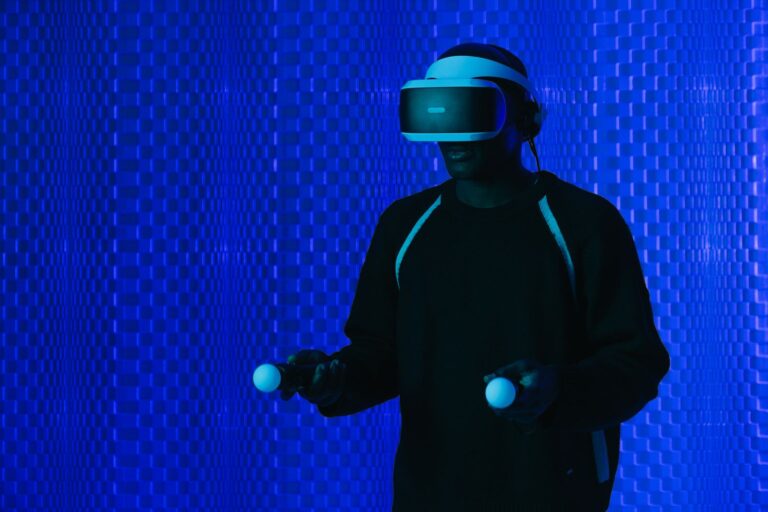
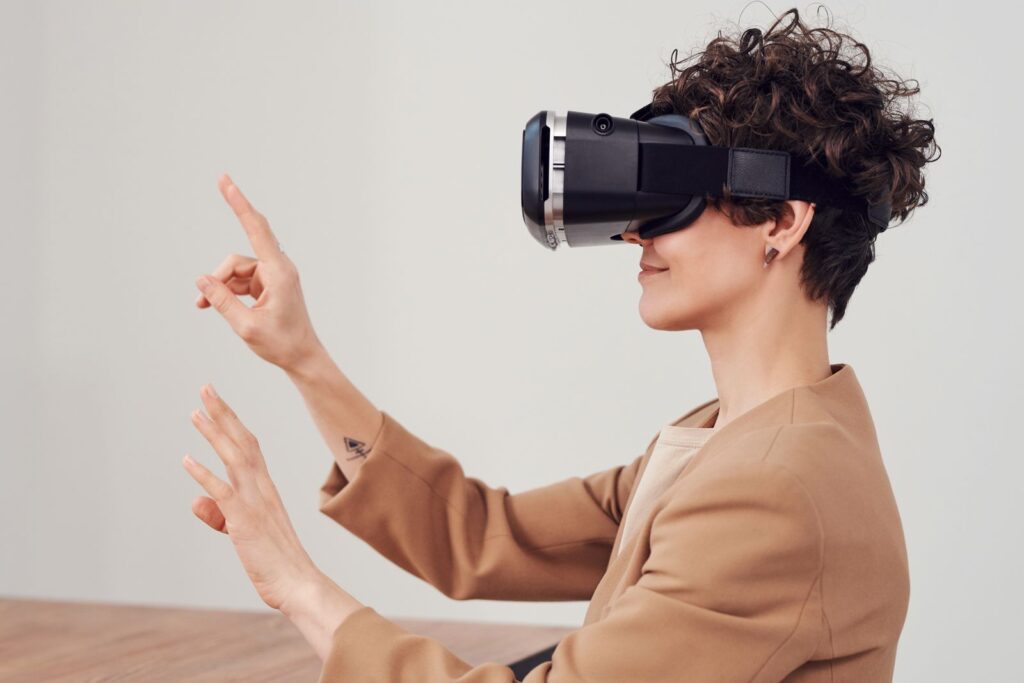
- Virtual reality (VR) replaces the real world completely. The student wears a headset and is placed inside a rainforest or a space station.
- Mixed reality (MR) blends both. Digital objects sit in the room and also react to it, so a virtual ball can bounce off a real table.
So when people say “extended reality in education”, they are not talking about one gadget. They are talking about a family of tools that move the learner closer to the experience.
How XR Learning Works: The Four Step Loop
Here is the part most guides skip. A headset alone does not teach anything. Good XR learning follows a simple loop that we can break into four steps. We call it the See, Do, Fail, Explain loop.
1. See: building a mental picture
Many topics are hard because students cannot picture them. Electric fields, cell division and gear ratios are invisible or too small or too fast. XR gives the brain a clear 3D picture first. Once the picture exists, the textbook explanation has something to attach to.
2. Do: learning with the hands
In an XR lesson the student does not just watch. They pick up parts, connect wires, rotate organs and change values. This is close to what educators call experiential learning. The body becomes part of the memory. A student who has physically placed a valve in a virtual pump tends to remember where it goes.
3. Fail: mistakes that cost nothing
In a real lab, a wrong step can break equipment or waste chemicals, so students become nervous and careful. In XR, a wrong step simply resets. Students can try the risky idea, see what goes wrong and try again. This freedom to fail is one of the most underrated parts of XR learning.
4. Explain: turning experience into knowledge
The last step happens outside the headset. The teacher asks students to explain what they saw and why it happened. Without this step, XR becomes a fun ride that is forgotten by the weekend. With it, the experience becomes real understanding.
Why the Brain Responds Well to XR Learning
Two simple ideas explain why XR learning feels different from a video.
Presence. When the headset fills your view and the world responds to your head movement, your brain starts to treat the scene as a place you have been. Places are easier to remember than paragraphs.
Lower guesswork. Reading about a 3D object forces the student to build it in their head. That uses up mental energy, which psychologists describe as cognitive load. When the object is shown directly, more of that energy is free for understanding the idea itself.
There is a catch here that few people mention. Too much detail, sound and movement can also overload students. The best XR lessons are calm and focused. They show only what matters for the learning goal.
What a Good XR Lesson Looks Like
Here is a practical structure a teacher can use for a 40 minute period.
- Warm up (5 minutes): ask one question the students cannot answer yet.
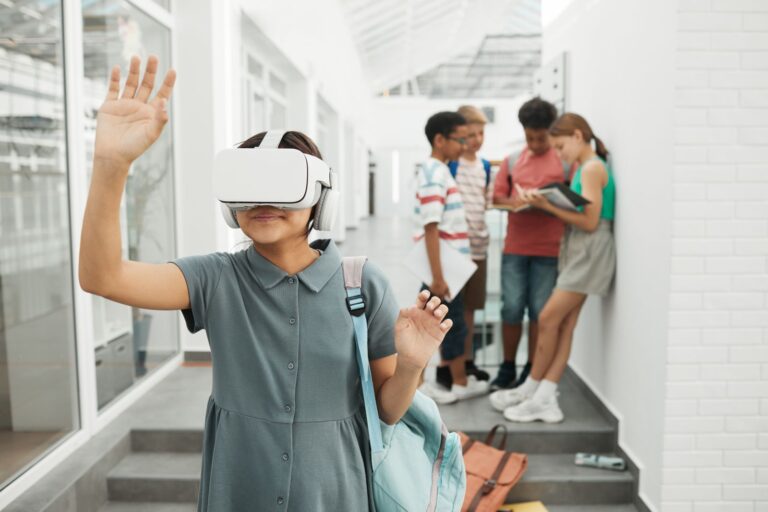
- Short XR session (10 to 15 minutes): students explore the scene in pairs. One wears the headset, the other guides and takes notes.
- Swap (10 minutes): partners change roles, so both get hands-on time.
- Explain (10 minutes): each pair answers the warm up question in their own words.
Notice that the headset is used for less than half the period. That is intentional. Shorter sessions keep students comfortable and leave time for thinking. They also help avoid VR sickness, which some learners feel after long use.

Where XR Learning Helps Most, and Where It Does Not
Being honest about limits builds trust, so here is a simple test. Ask three questions about any topic.
- Is it hard to see? (too small, too big, hidden or invisible)
- Is it hard to do? (dangerous, costly or rare)
- Is it hard to imagine in 3D?
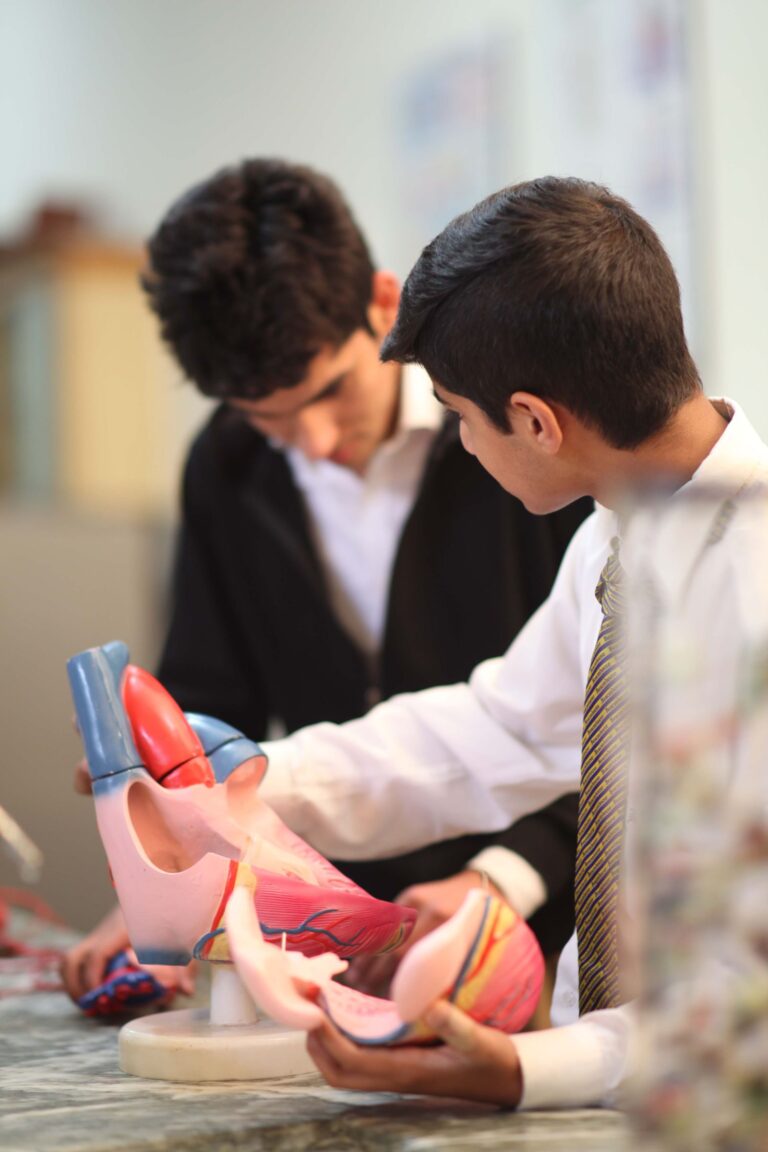
If the answer is yes to two or more, XR learning is likely worth it. Human anatomy, machines, chemistry reactions, astronomy and historical sites pass easily. Grammar rules, essay writing and basic arithmetic usually do not. A whiteboard does that job just as well and costs far less.
Common Myths About Extended Reality in Education
Myth 1: XR replaces teachers. It does the opposite. XR creates experiences, but the teacher turns them into understanding during the Explain step.
Myth 2: You need expensive equipment. Many AR lessons run on an ordinary phone or tablet. Schools can start small and add headsets later.
Myth 3: It is only for science. History, geography, art and vocational training all benefit when students can visit places or practice tasks.
How ARCS Approaches Immersive Lessons
At ARCS we design every lesson around the See, Do, Fail, Explain loop, not around the device. You can read more about our approach on the Extended Reality Technology page and the Immersive Learning page. If you want to compare XR with simulation tools, our guide on digital twin technology in education explains how virtual copies of real systems fit into the same picture.
Frequently Asked Questions
Is XR learning the same as virtual reality?
No. Virtual reality is one part of XR learning. XR also includes augmented and mixed reality. For a full comparison, see extended reality vs virtual reality.
What age is right to start?
AR on a tablet works well for young children. Most headset makers suggest VR headsets for ages 12 and above, with short sessions.
Does XR learning improve marks?
It helps most with topics that are hard to picture. Marks improve when the XR session is followed by discussion and practice, not when it is used as entertainment.
Final Thoughts
XR learning is not magic and it is not a gimmick. It is a powerful way to let students see, do and safely fail before they explain. Used for the right topics and in short focused sessions, extended reality turns hard ideas into lived experiences. If your school or college wants to explore it, talk to the ARCS team and start with one subject that students find hardest to picture.